Feb 182011
I’ll do a proper tutorial on how to export models like this- as soon as I figure it out myself.
for now here’s the basics…
-found this – three.js
-exported a 3d model (balsa plane) from blender using the included export script. (here’s the .blend file and the .png texture
-jacked the code from this sample viewer, spliced in my model path… and…
–VOILA! (if you have a webgl enabled browser)
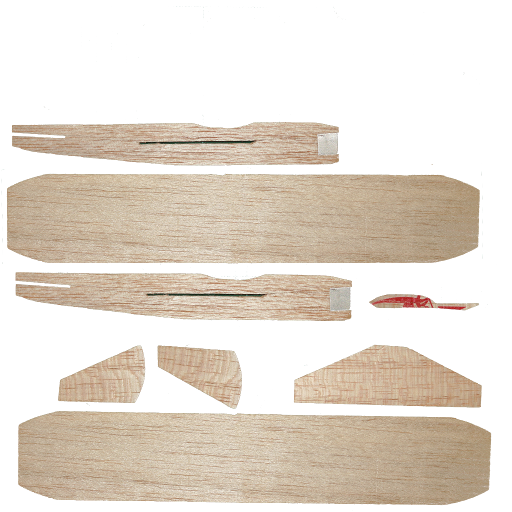
if you don’t – here’s a render.
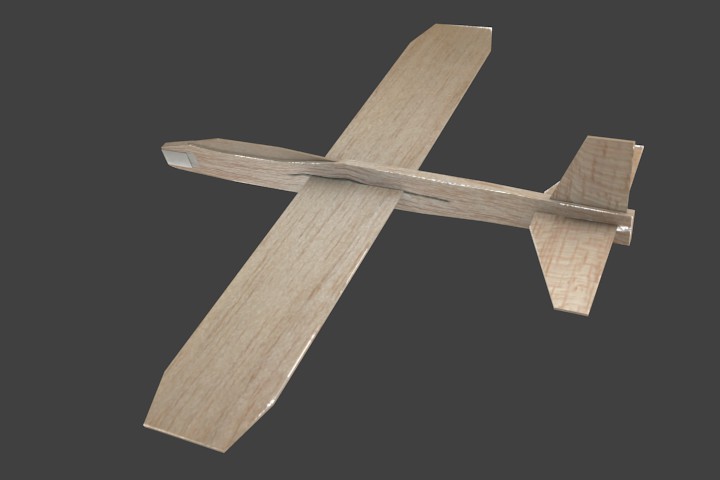
Less fun as a 3d model, but still fun.
this is a boids sim I did with the planes.
[videoplayer file=”wp-content/video/BalsaPlaneSpaceSwarm.flv” /]